A clinical chart built for
interventional pain
Visit notes, OR notes, prescribing, scheduling and patient engagement designed around the way pain practices and surgery centers work.
Charting that keeps up with a procedure schedule
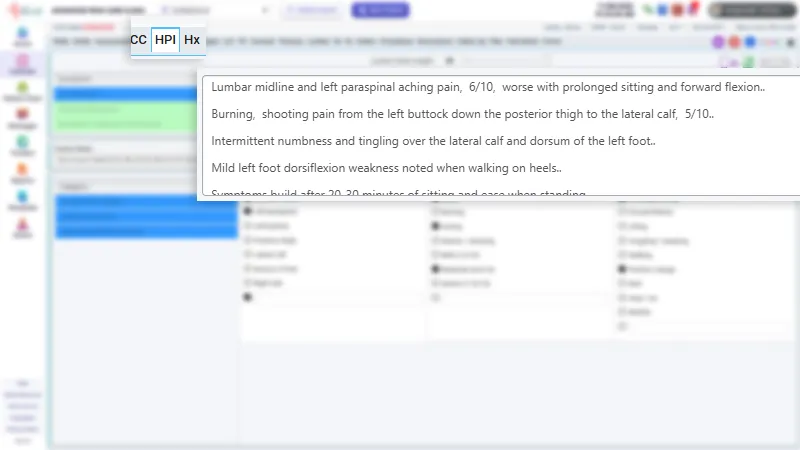
Templates built from interventional pain workflows mean less clicking and more complete notes, whether you are in clinic or the OR.

Visit notes
HPI, exam, assessment and plan with pain-specific templates and outcome scores.
OR notes
Procedure documentation for injections, ablations and stimulator cases.
Speech to text
AI dictation into visit and OR notes, tuned for medical terms, with spoken punctuation.
Orders & imaging
Order labs and imaging and keep results attached to the chart.
Safe prescribing for controlled substances
Pain medicine needs more than a basic eRx. MD4Front puts PDMP review, formulary and EPCS signing in the same flow.
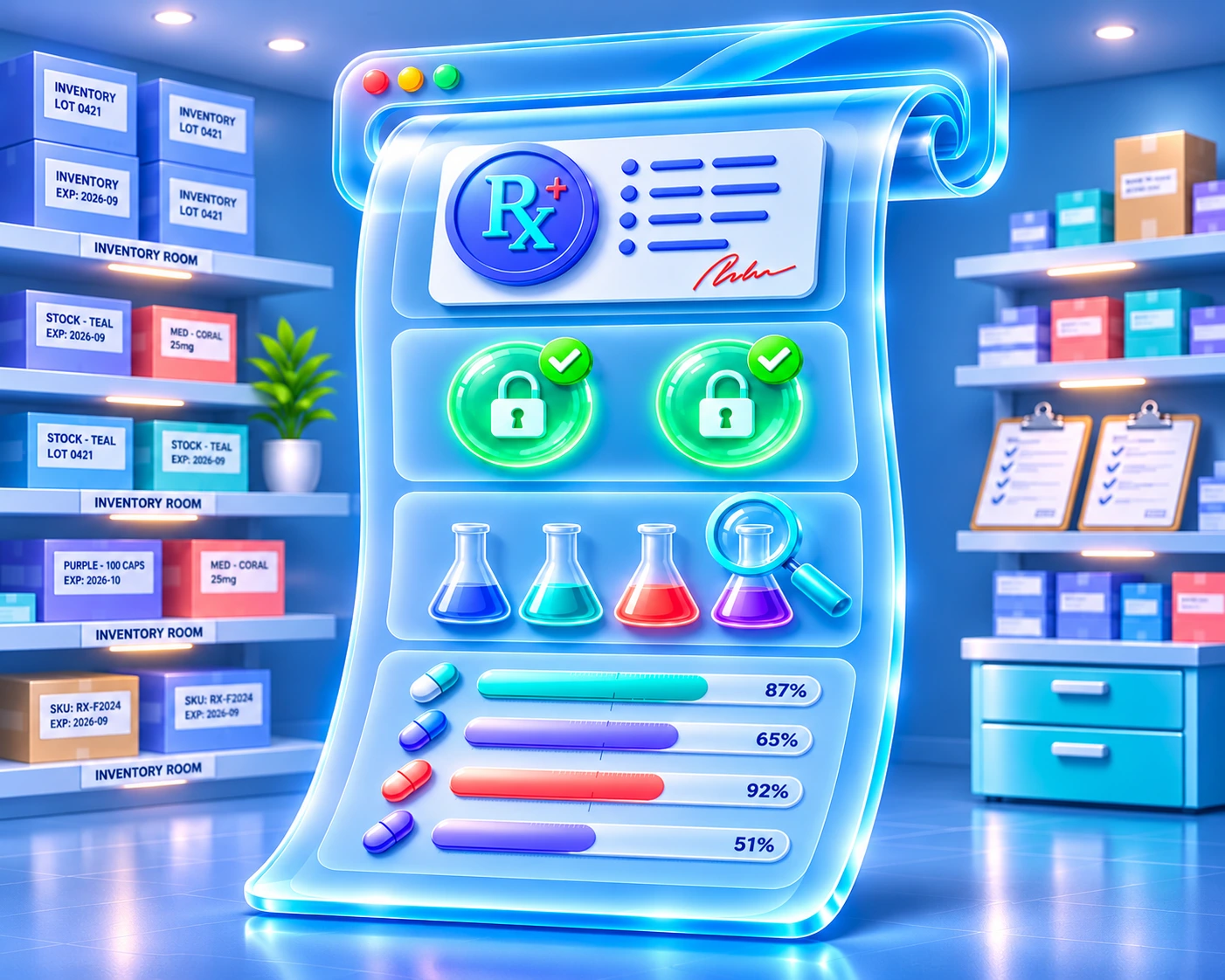
eRx to any pharmacy
Electronic prescriptions with formulary and interaction checks.
EPCS
Two-factor signing for Schedule II–V prescriptions.
PDMP review
View state PDMP reports before you prescribe.
Medication tracker
Monitor refills, agreements and compliance over time.
Run every location from one login
Front desk, clinical staff and managers share the same live view of the day across clinics and surgery centers.

Scheduling & check-in
Schedule by provider, room and facility; check patients in with eligibility verified.
Trackers
Referrals, labs and follow-ups tracked to completion.
Document library
Organize scanned and generated documents by category inside the chart.
Dashboards & reports
Daily operating view plus clinical and financial reporting.
Secure messaging
Message staff, patients and outside vendors securely.
Audit trail
Every view and change recorded, by user and time.
Give patients a front door that works
Fewer phone calls, faster intake, and patients who show up prepared.
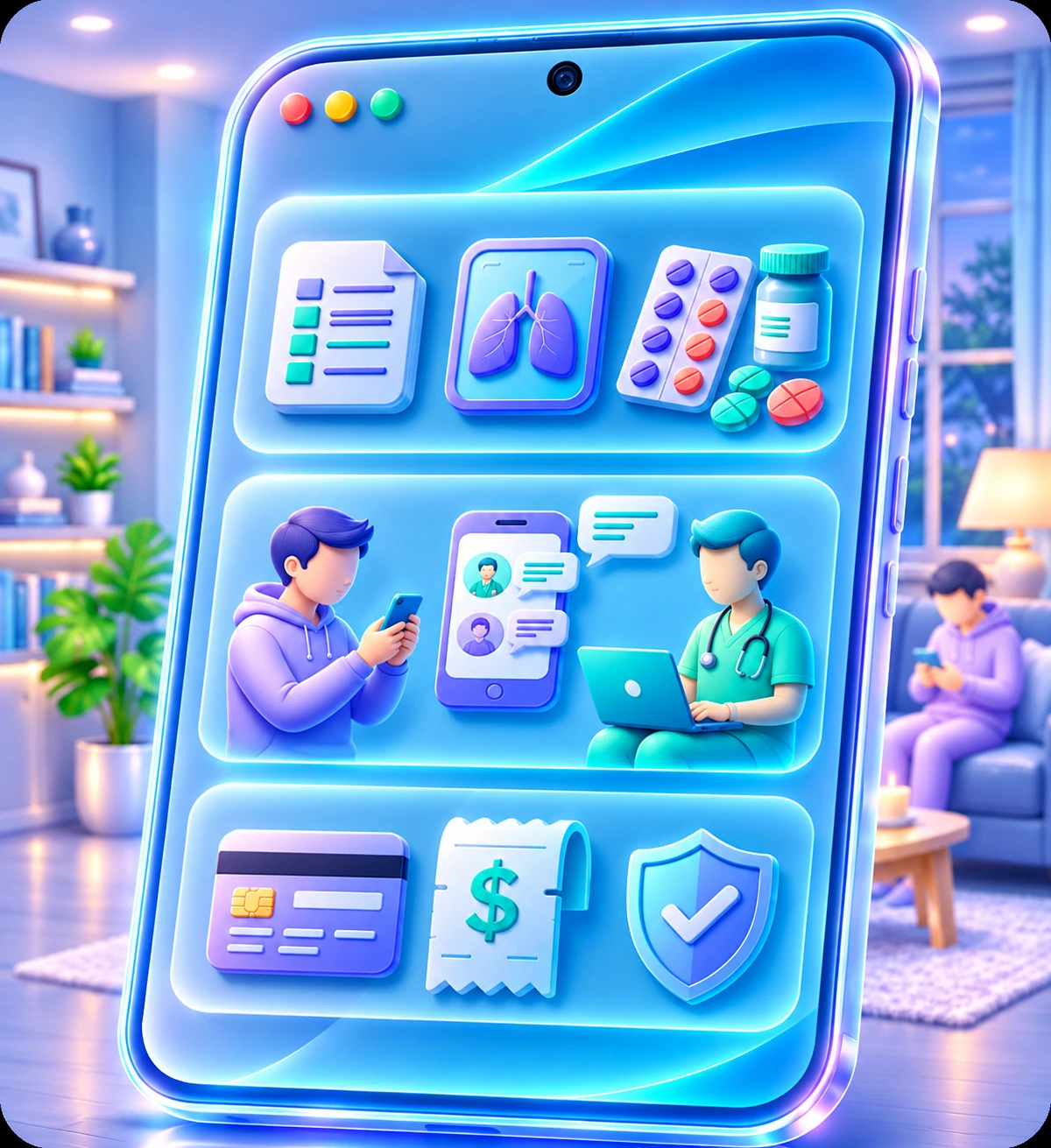
Patient portal
Forms, documents, messages and visit history in one place.
Telemedicine
Built-in video visits, no separate app to download.
Mobile app (coming soon)
MD4Front for iOS and Android is on the way.
Two-way messaging
Secure conversations between patients and the care team.
Connected to the rest of healthcare
Standard interfaces where they exist, and custom integration support for what your practice needs.

C-CDA exchange
Send and receive clinical summaries with referring providers.
Clearinghouse & labs
Eligibility, claims, remittance and lab connections.
Custom integrations
Interfaces built to your practice and partner requirements.
See MD4Front with your own workflows
A 30-minute walkthrough tailored to your specialty, facility type and payer mix. No slides, just the product. Talk to our team